FAQ
Questions
I signed in on another device and the first one stopped working
Only one device can stay signed in per account, so signing in on a second one signs the first out. Nothing is lost. Sign in again and everything is there.
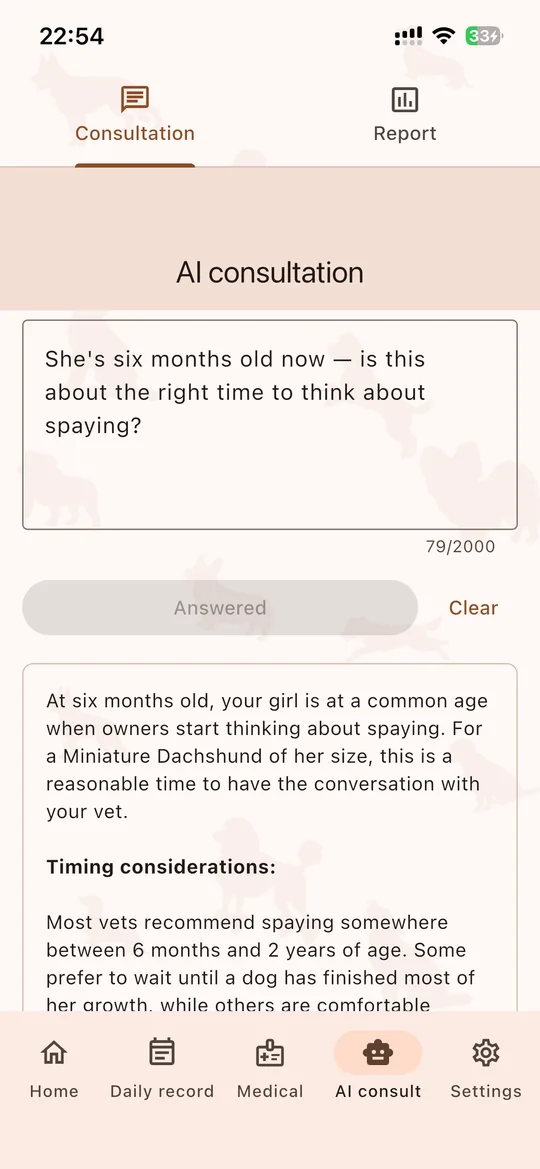
How many AI consultations do I get?
Five a month on the free plan, and unlimited with Premium. The count resets every month.
What does Premium change?
Four things.
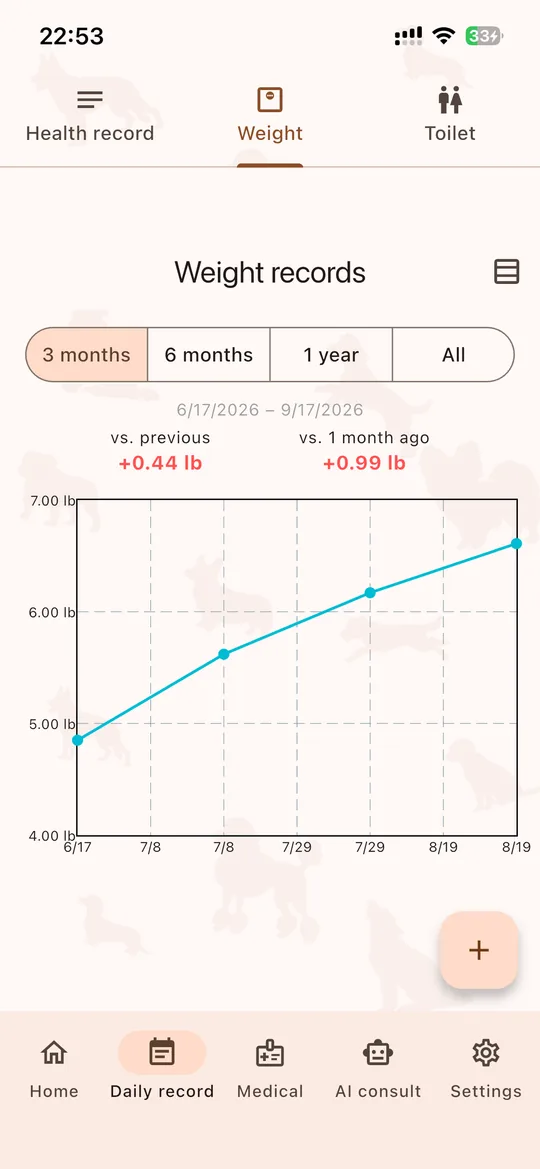
- You can see records of any age. On the free plan, lists and the weight chart show a limited period
- Ads are removed
- AI consultations become unlimited
- You can generate the AI summary on the monthly report
Keeping records is never limited, and there is no cap on how many you can keep. Scanning certificates and reminders are free as well. So is the monthly report and every graph in it; Premium only adds the AI-written comment on top of them.
Where can I get a campaign code?
A campaign code gives you free Premium time or AI consultation tickets. We hand them out at shops, venues and events that kindly work with us.
- Each code has its own reward and its own limit on how many people can use it
- We do not issue codes on individual request
- Please do not buy, sell or resell codes
To use a code you have, see "Where do I enter a campaign code?" below.
Where do I enter a campaign code?
Create an account and sign in, then enter it here.
- Open "Settings" at the bottom of the screen
- Choose "Upgrade your plan"
- Type the code into "Have a campaign code?" and tap "Apply"
- Campaign codes cannot be used in the "Referral code (optional)" field on the sign-up screen
- Watch out for the letter O and the number 0. Upper and lower case both work
- The same code cannot be used twice on one account
- A code that has reached its limit will not be applied
When free Premium time ends, your account goes back to the free plan on its own. You are never charged.
What is a referral code?
A referral code lets wanote users introduce the app to family and friends. When the person you referred enters your code, both of you receive a reward.
Finding your own referral code
- Open "Settings" at the bottom of the screen
- Choose "Upgrade your plan"
- It is shown as "Your referral code". Tap the button next to it to copy it
Entering a referral code you received
- Enter it in the "Referral code (optional)" field on the sign-up screen
- If you missed it at sign-up, you can enter it later in "Have a campaign code?"
- Each account can be referred only once. You cannot use your own referral code
The reward depends on how you use the app.
My older records are not in the list. Are they gone?
Nothing is ever deleted. On the free plan, your lists and your weight chart show a limited period, and everything older than that is still saved. Premium brings all of it back on screen. Nothing goes away if you cancel Premium, either.
When you have records outside that window, the bottom of the list says so, along with the dates they cover and how many there are.
These are never limited by the window, on any plan:
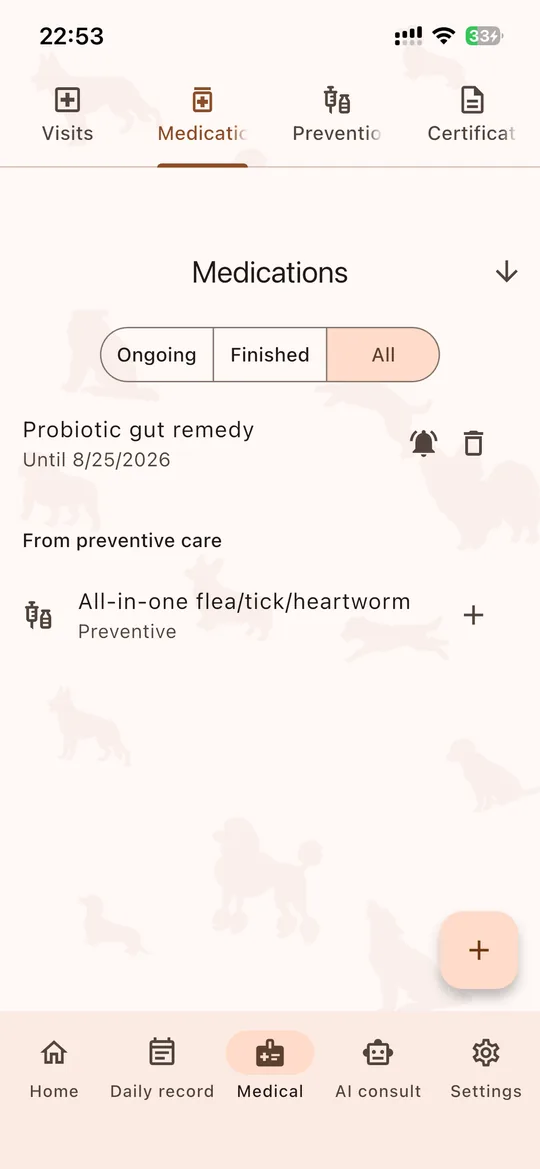
- Medication your dog is still taking, no matter when it started
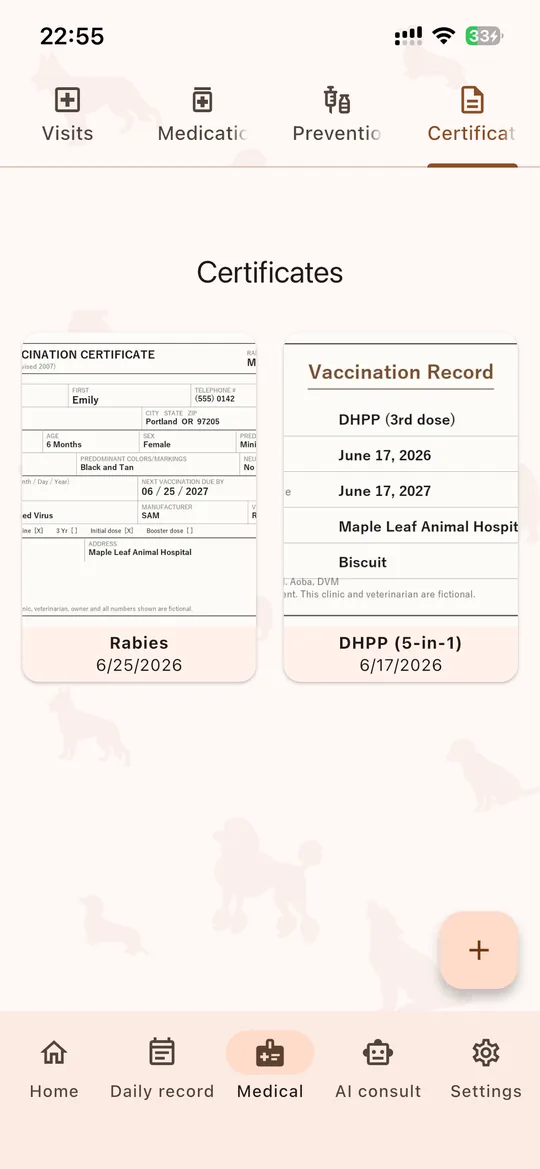
- Vaccination and prevention records, and the certificates you scanned
- Due-date reminders
How do I cancel?
Your subscription is managed by the App Store or by Google Play, not by the app. Cancel it from their subscription settings.
- iPhone and iPad: Settings → your name → Subscriptions
- Android: Google Play → profile icon → Payments & subscriptions → Subscriptions
The certificate is not being read correctly
Shoot in good light, with the whole certificate inside the frame. Whatever it reads, you can check and correct on the spot.
I want to delete my records or my account
You can do that yourself at any time, from the app's settings screen. If you cannot open the app, see Deleting your account.
Contact
If none of the above helps, write to us with your device and the version of the app you are running.
support@wanote.jp
 wanote
日本語

 Scan to open

 Scan to open